impact detect

FIA IDR
Officials' Guide

FIA IDR user guides and information for motorsport officials.
An Introduction to the Impact Data Recorder

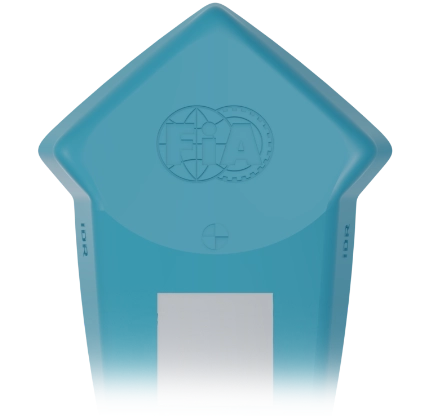
The FIA Impact Data Recorder is a small and lightweight electronic device with a microchip sensor. It is fitted in a vehicle’s cockpit to accurately measure vehicle incident impact data. IDRs are low-cost, simple to fit, and require no maintenance in their 2-year lifespan.

The IDR has been developed to collect big data, allowing the FIA to learn more about impacts and gain knowledge of different accident types. By identifying incident trends and gaining in-depth incident data, we can achieve safer racing at all levels.

Impact Detect

FIA IDR for Officials

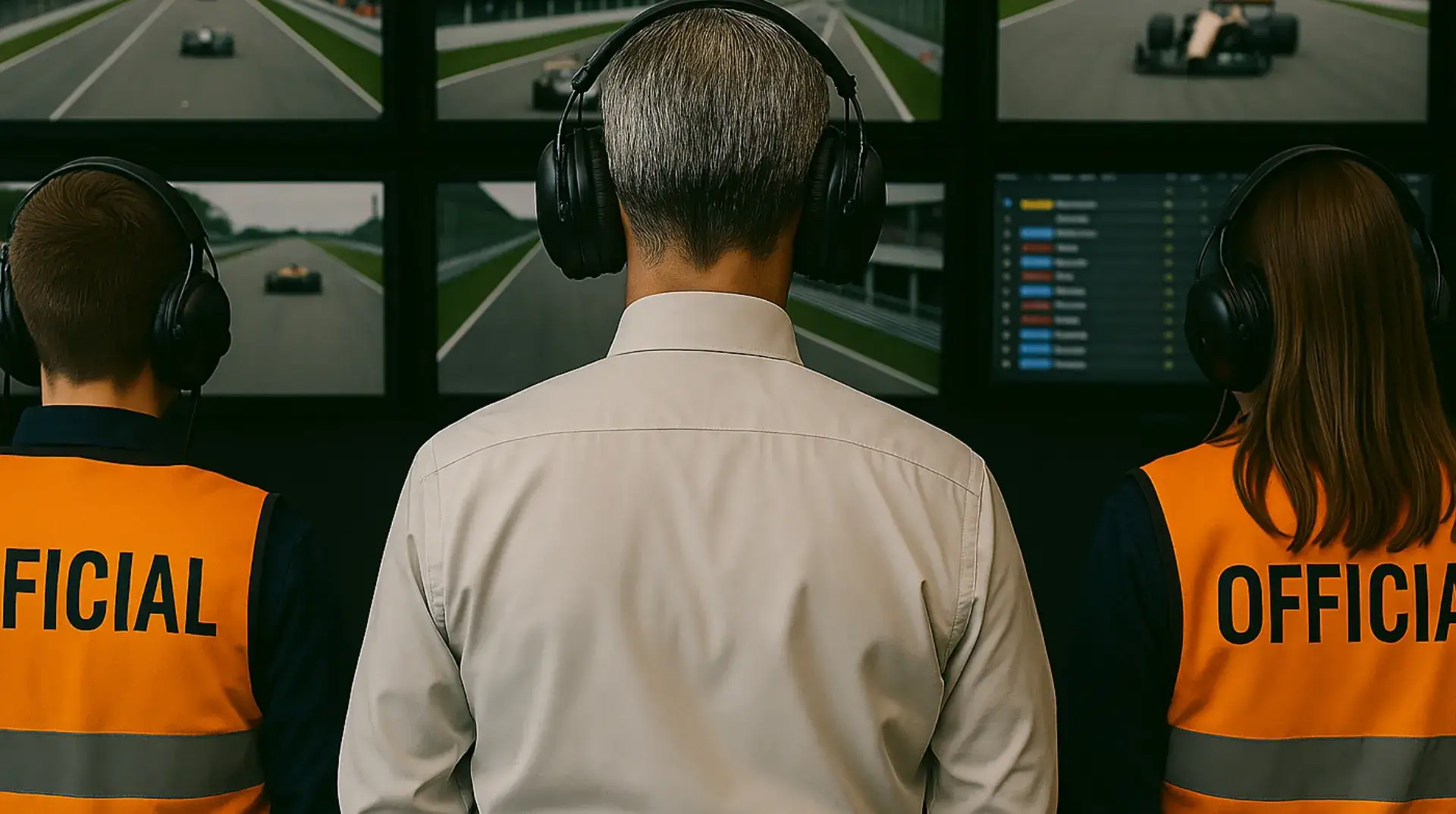
With real time impact data at their fingertips, FIA officials can make informed decisions, assess incidents more effectively, and enhance motorsport safety.

It is the responsibility of the official to download and login to the FIA IDR officials app, this will allow the official to connect the app to the IDR and submit an impact report when an incident occurs at an event.

  • Data Capture

    The FIA IDR is installed in a competitor’s vehicle, allowing all high-G impacts over a set threshold to be recorded and submitted to the owning ASN via the FIA IDR Officials’ app. This allows for more thorough incident review and improved safety.

  • impact detect
  • IDR App

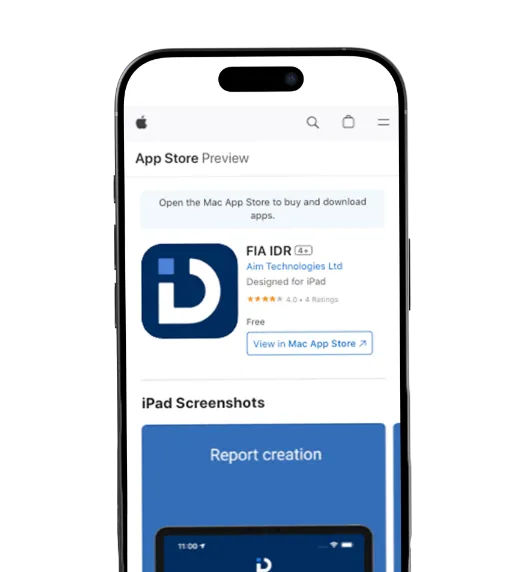
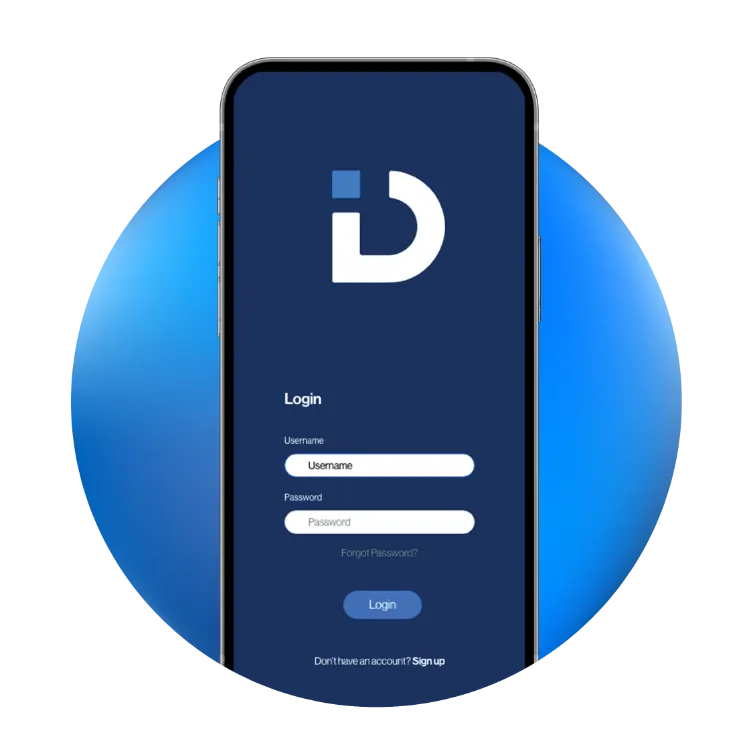
    Download the FIA IDR App by searching ‘FIA IDR’ on Google Play Store or the App Store, ensuring you allow the app camera and location access permissions. Launch the app and select the ‘Officials Login’ option, then enter the password provided by your ASN to gain access.

  • impact detect
  • Instant Scan

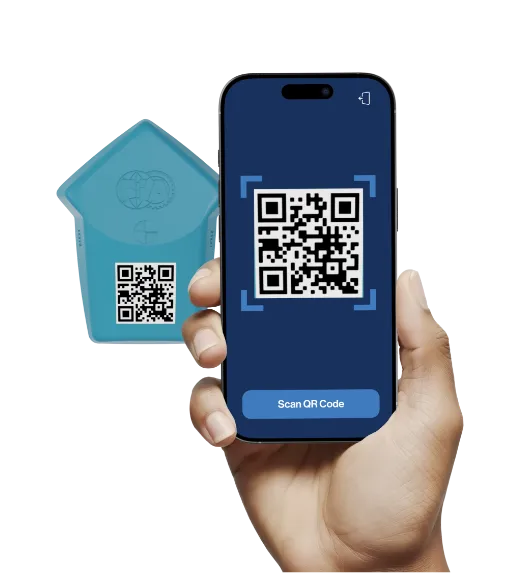
    After a vehicle incident has occurred, launch the app and select ‘Scan IDR QR Code’, this will allow you to scan the IDR using your phones camera, and the IDR data will download via the app. Do not move away from the IDR whilst the app is connecting to it.

  • impact detect
  • File Report

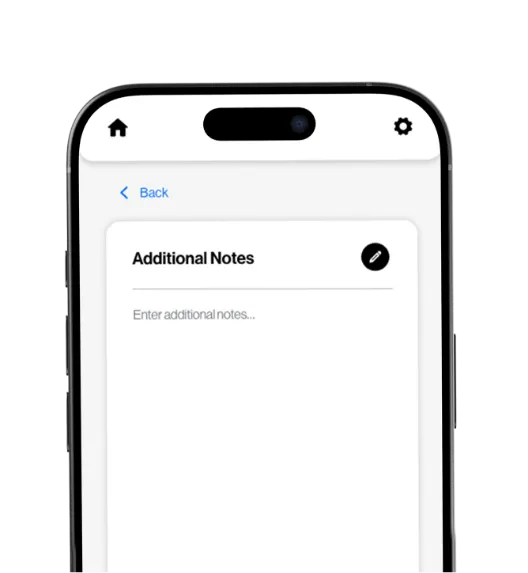
    After a vehicle incident has occurred, launch the app and select ‘Scan IDR QR Code’, this will allow you to scan the IDR using your phones camera, and the IDR data will download via the app. Do not move away from the IDR whilst the app is connecting to it.

  • impact detect

Installing your IDR Safely

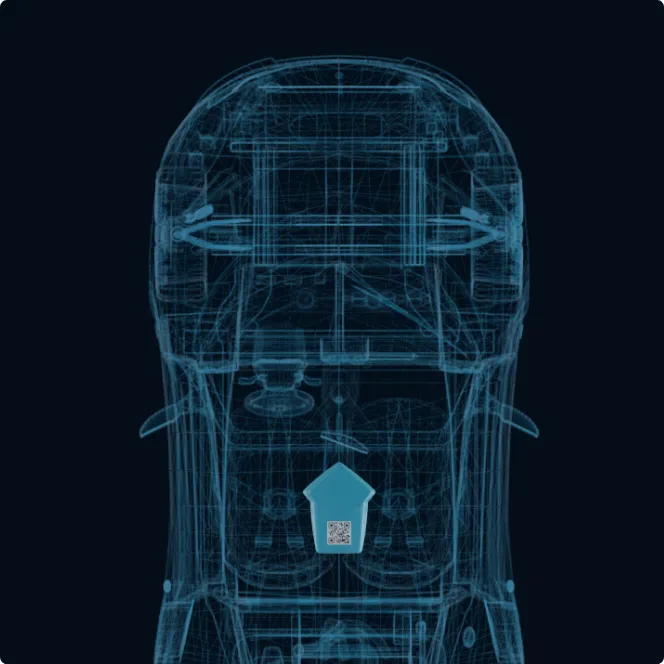
Identify a suitable area to affix your IDR; we suggest on the floor and as close to the centre of the cockpit as possible, such as under the seat in a formula car, or the transmission tunnel in a touring car.

Impact Detect

WARNING: Do not install the IDR in a location that will get hot, e.g. above the exhaust.
Impact Detect

Stick & Set

Clean and degrease the chosen area to fit your IDR using a solvent degreasing solution or similar. Then remove the backing from the adhesive pad on the rear of the IDR and affix it to the chassis. Ensure that the tip of the IDR’s arrow-shaped body is facing directly towards the front of the car.
Impact Detect

Activate IDR

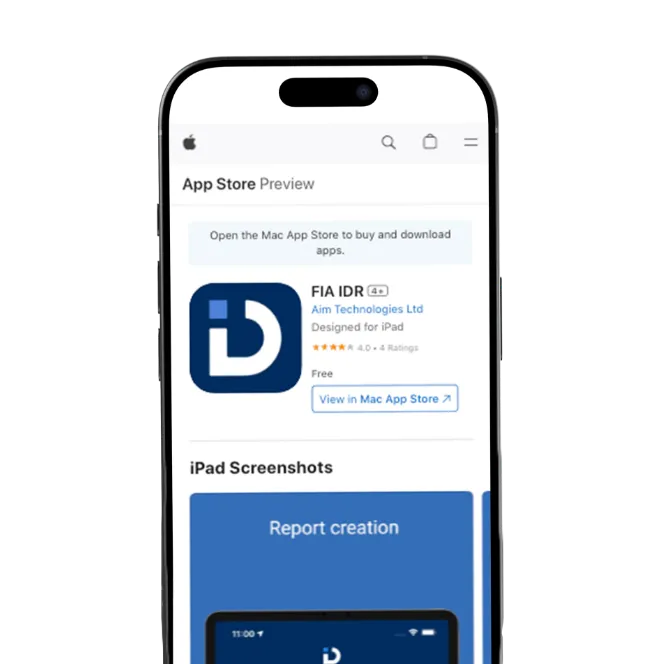
Once your IDR is fitted, download the FIA IDR App on the App Store or Google Play. Once downloaded, select ‘Activate IDR’ in-app, enter your email address and scan the IDR’s unique QR code using your phone’s camera to activate it.
Impact Detect

Confirmation

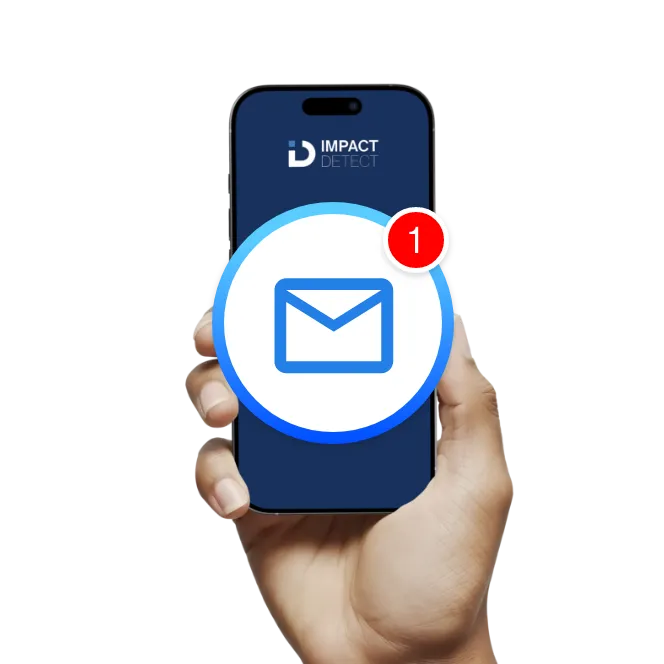
You will receive a notification when activation has been successful. You are now ready to use the FIA IDR App to monitor impact data, review reports, and enhance safety tracking.

Download the FIA IDR App

The FIA IDR App is required for device activation and official incident reporting

impact detect mobile app

FIA IDR

FIA IDR

Weight

20g


Dimensions

60mm x 45mm x 14.5mm


Materials

Protective Smart Polymer


Service Life

2-Year Lifetime


Logging

Logs up to 80 Incidents


Transforming Motorsport Safety Through Advanced Impact Detection

The FIA Impact Data Recorder enhances safety with precise impact data and zero maintenance.

Precision in
Impact Detection

The FIA Impact Data Recorder enhances safety with precise impact data and zero maintenance.

Impact Detect Technology
Frequently Asked Questions